

Family Link
Set digital ground rules to help guide your children as they learn, play and explore online.
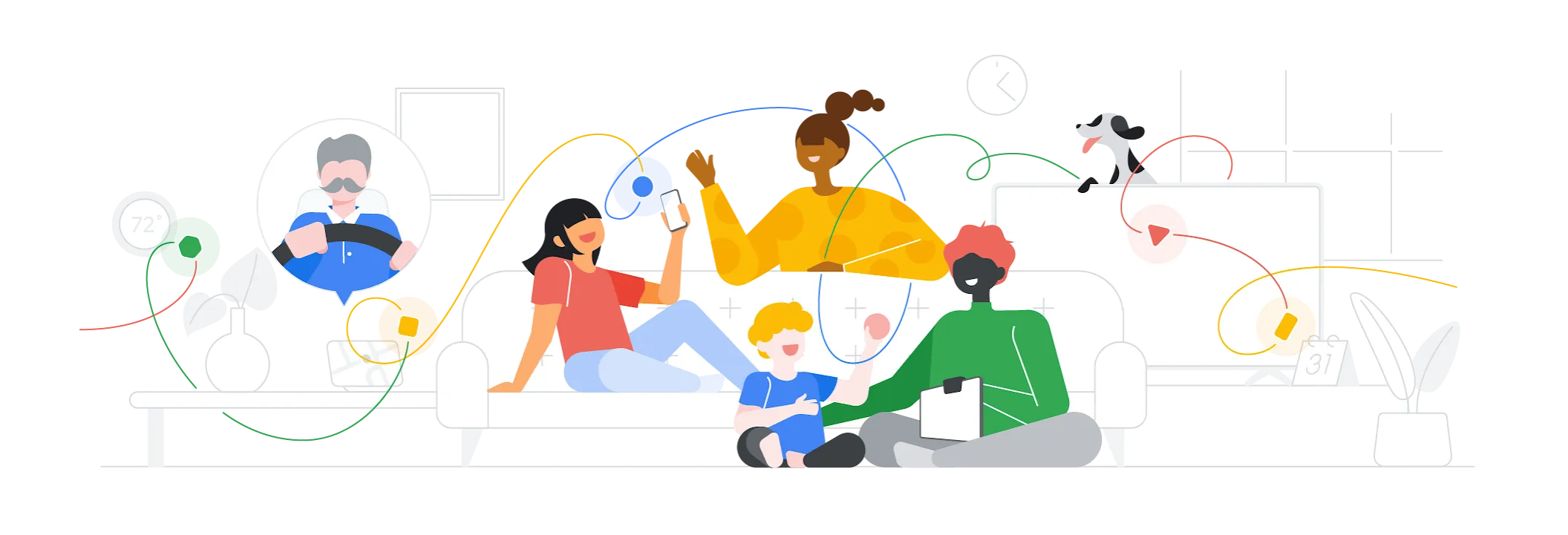
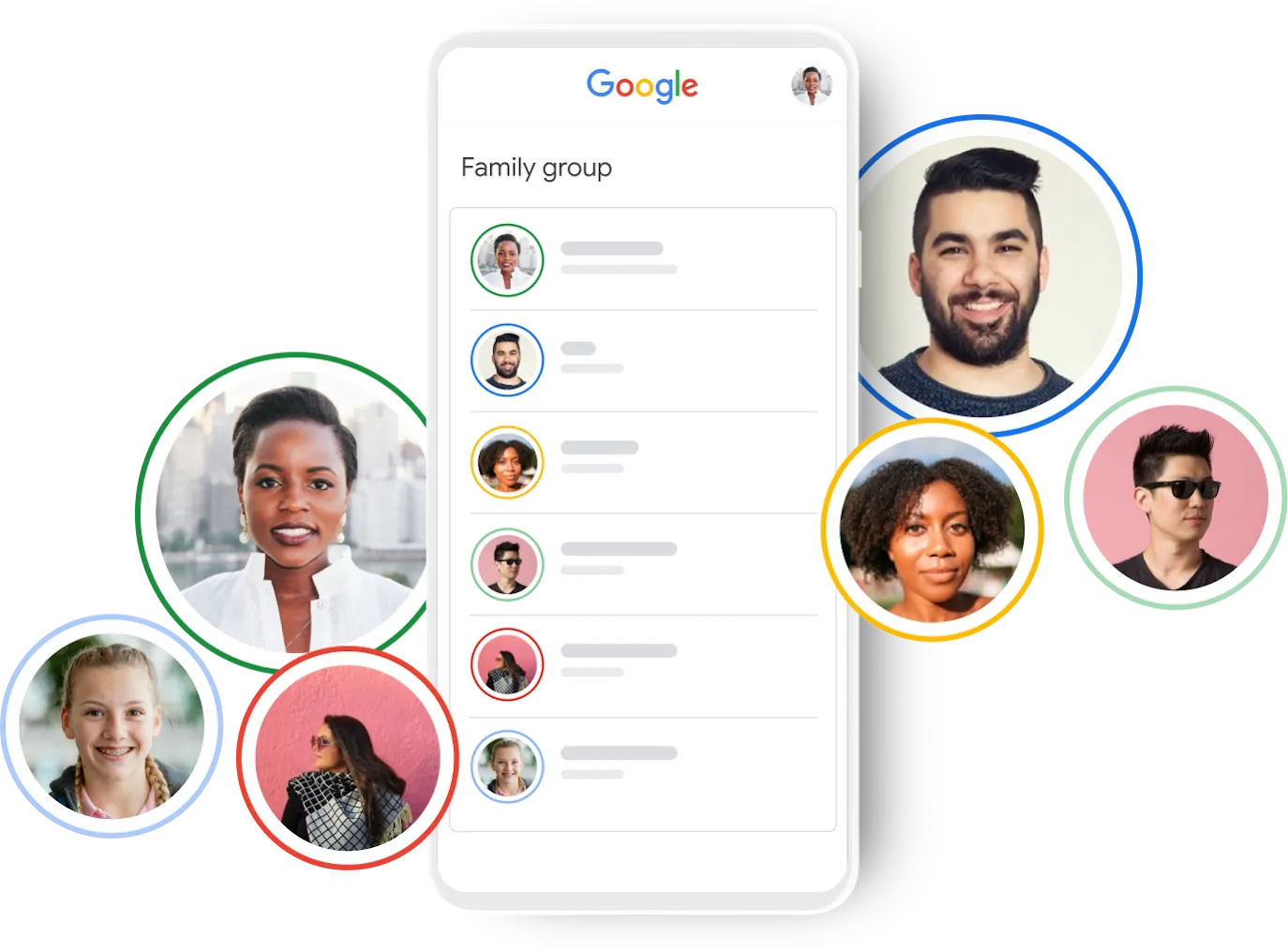
A family group helps you guide your children as they learn, play and explore online.
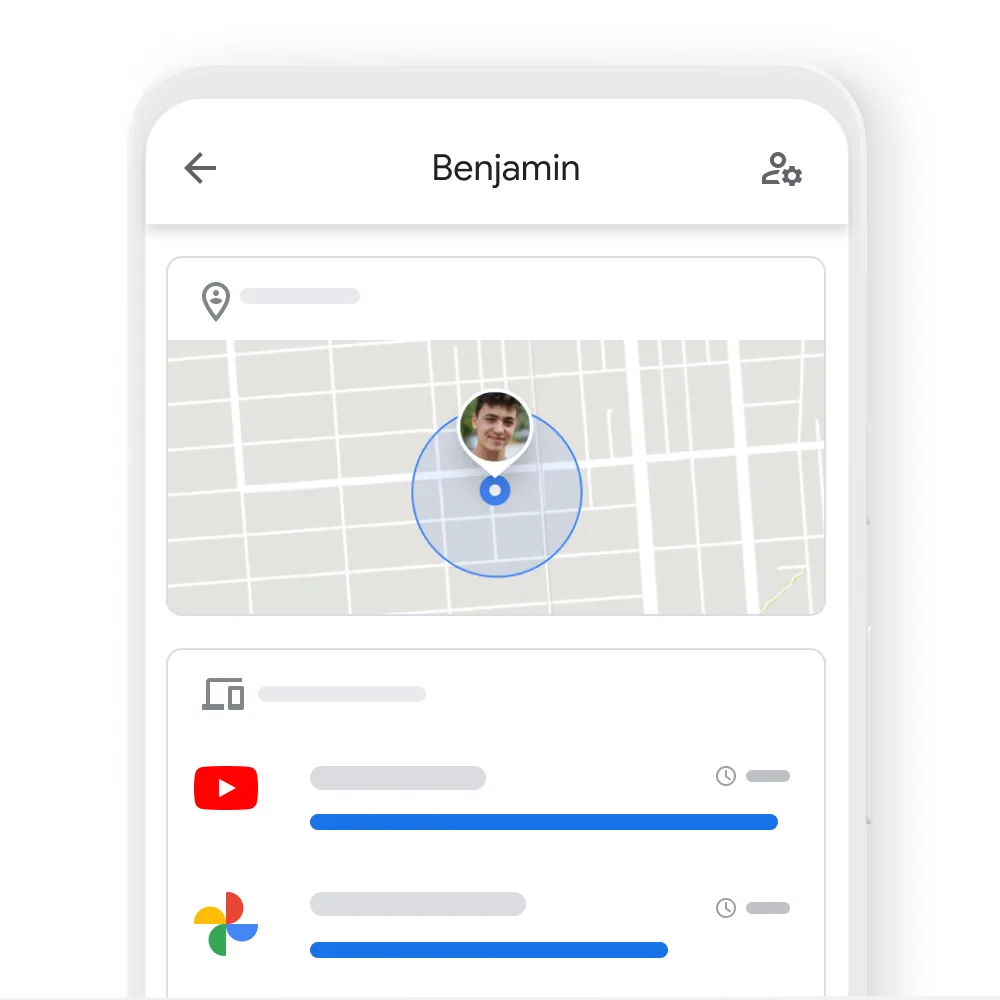
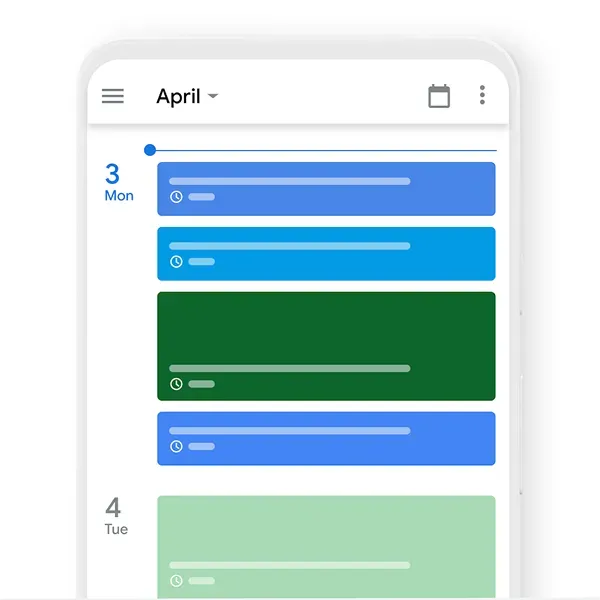
Keep everything on schedule and everyone in the loop. Easily manage the week with family calendars, notes and shopping lists.

Calendar
Share school plays, family picnics and other events to stay on top of everybody’s busy schedules.

Google Keep
Jot down gift ideas and keep a running shopping list with helpful notes, shared lists and reminders.

Google Assistant
Ask Google Assistant to assign a reminder to a member of your family, like 'get ready for school', to keep daily routines on track.
Get more value from your plans and subscriptions by sharing your favourite entertainment with your family group.

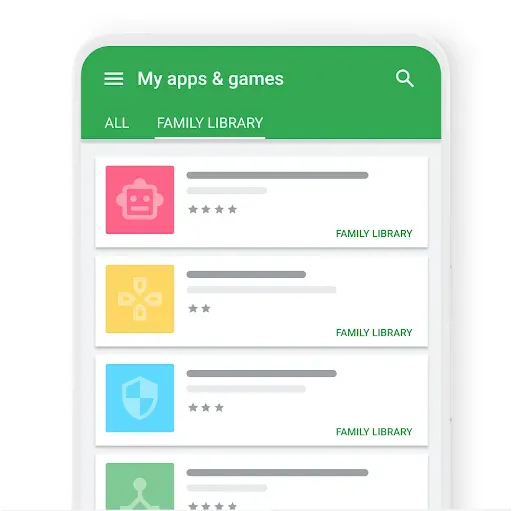

Google Play Family Library
Share Google Play purchases like apps, games, books, movies and TV shows with your family group.

Google Play Pass
Give your family group access to hundreds of ad-free games and apps with Google Play Pass.

Google One
Share all the benefits of Google One including additional cloud storage for all family members — without sharing any of your personal files.
When you create a family group, you become the family manager. This means that you can invite up to five other people to join, and if they accept your invitation, they’ll be added to your family group. Family managers can delete the group, invite or remove members at any time. Get started by creating your family group now.
Creating or joining a family group doesn’t require a paid membership or subscription. A family group allows you and your family group members to get more out of the Google products that you already use. Some Google products require purchasing family plan subscriptions for premium services.
Family managers can manage their parental controls for supervised accounts in a family group. The family manager can also give another parent parental permissions to help manage a supervised account.
To create a family group, you must be 18 or older (or the applicable age of consent in your country). In order to join your family group, the people that you invite must have a Google Account. People can only join one family group at a time and they can only switch to another family group once every 12 months.
For more information on how a family group works, what you and your family can share, and other details, visit the Google for Families Help Centre.
Not all products or features may be available in all locations.


