
Empowering your family to safely
grow
play
learn
online.
Empowering your family to safely.
-
BUILT TO PROTECT
Help protect your kids and teens online
- Use SafeSearch to filter or blur explicit content for kids and teens.
- Learn about our default privacy and safety settings.

-
DESIGNED TO RESPECT
Choose the right parental controls
- Set up a supervised experience for tweens ready to explore YouTube.
- Manage your family’s tech time with Google Family Link.

-
CREATED TO EMPOWER
Empower kids to safely explore online
- Explore YouTube Kids, a standalone app built just for kids.
- Check out the 5 must-knows to get started with generative AI.


5 important steps to keeping your kids and teens safer online

Brought to you in partnership with




Teach your kids and teens the fundamentals of digital citizenship and online safety.
Explore Be Internet Awesome and how to talk to your kids about online safety.
Create digital ground rules, boundaries, and expectations together with Google Family Link. View ConnectSafely’s guide to parental controls to learn more about settings across the web.
Have an open conversation about internet safety with your kids and teens to find a balance between online and offline activities. Check out Common Sense Media's guide on modeling healthy digital habits for your kids.
Stay in-the-know on how your kids explore online and interact with others. Learn about social media red flags for your teens.
What are parents searching for on Google?
Have open conversations with kids and teens about internet safety.
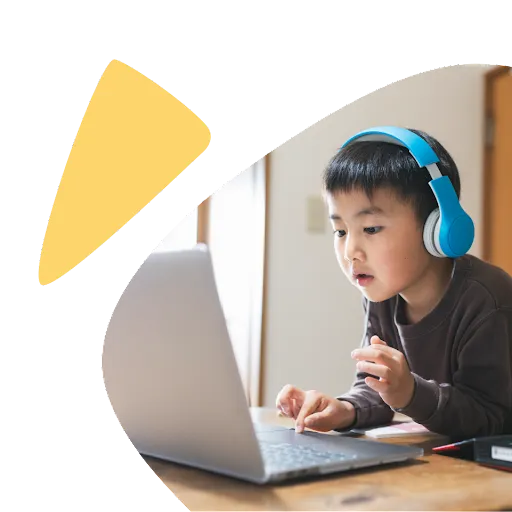
Use the Be Internet Awesome Family Guide and YouTube’s guide to exploring confidently to discuss, learn, and think about online safety together.
Use these fun activities to have conversations with your kids about online safety and sharing.
Find tools and guidance to help choose the right experience for your family.

Talk to your kids about when and why they use digital devices and which screen time options are better than others.
Get expert advice and tips from Headspace to help you decide how much screen time is best for your family.
Find high-quality apps, games, and activities recommended by experts.

Teacher Approved Apps on Google Play help you find apps, games, and books that are reviewed and highly rated by teachers for learning at home.
Learn Through Play from Sesame Street lets kids learn while having fun with activities, games, and articles.
From cooking to coding to chemistry, YouTube Learning has videos to fuel lifelong learning from the world's biggest community of creators.
Learn about parental controls with these helpful guides.

Google Family Link gives you tools to share location, manage privacy settings, and understand how your kids are spending time on their device.
Explore tools and resources to help you guide your kids’ experience on YouTube Kids.
From encouraging responsible online behavior to blocking certain websites, see this family guide to parental controls.
Deciding when to get your kid their first phone can be a complicated decision.
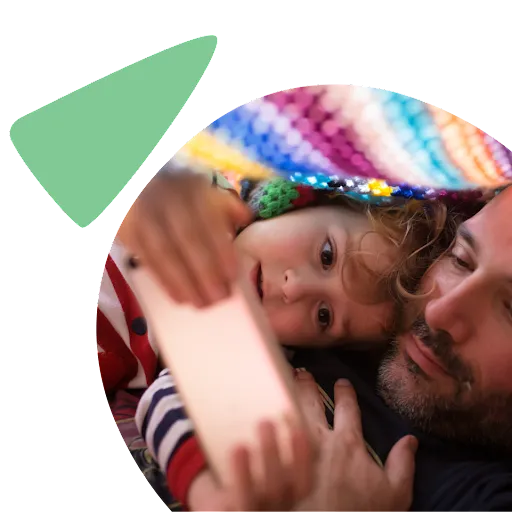
Check out these helpful tips to help you decide when it’s time for your kid to have a device of their own.
When you are ready to get your kid or teen a phone, explore tools to manage screen time on popular platforms.
Meet our partners









All the latest
Stay updated with the latest news and announcements from programs and products that help families manage their online experience.